
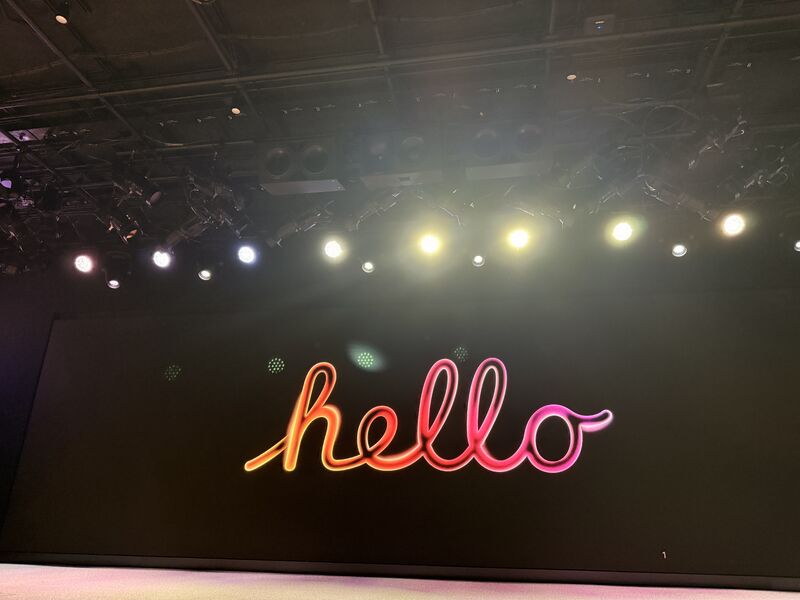
Today I had the opportunity to attend the Apple Game Developers Workshop at Apple Developer Center in Cupertino. It was a full day of learning, conversations and hands-on insight into how games are built, optimized and brought to life across iPhone, iPad, Mac, and Vision Pro through Apple arcade ! I am grateful to the Apple teams who shared their expertise across design, engineering, visionOS, graphics, and performance.
A full day at the Apple Developer Center made game development feel less like one discipline and more like an orchestra. Design, performance, audio, distribution, platform behavior, and business decisions all have to arrive at roughly the same piece of magic.
I went in curious about the tools and left thinking about polish. Players may never name the engineering decisions that keep a frame stable or an interaction responsive, but they feel them. Great experiences hide an enormous amount of care beneath something that appears effortless. That is the kind of invisible technical craft I want to keep getting better at.
Key Takeaways:
Game Development and Performance • Xcode, Instruments, Metal, and the new Performance Hub provide precise insight into GPU and CPU behavior • Enable Game Mode (Sustained Execution Mode) under Capabilities to maintain consistent performance during intensive gameplay • Use the Game Save framework to securely save and sync progress through iCloud across multiple devices under the same account • Built-in support for Game Controller and Touch Controller frameworks streamlines input handling • Helpful resources: https://lnkd.in/dGM_9uNx developer.apple.com/games https://lnkd.in/dY-UMjgB
Game and visionOS Interface Design (HIG Guidance) • Design adaptive interfaces that scale seamlessly across devices and spatial environments • Minimum control size for touch interactions: 44 × 44 pt (absolute minimum 28 × 28 pt for thumb reach) • Typography should remain clear and legible with 17 pt as the standard body size and 11 pt as the minimum readable size • Prioritize full-screen focus, pixel-accurate elements, and visually efficient layouts • conversations about interaction models, gesture input and performance constraints in spatial computing
+ Guest speaker Nadia Thorne, CEO of Black Salt Games, shared studio insights and creative process!!
I had valuable conversations about visionOS, spatial interfaces, portfolio feedback and what it takes to build for Apple platforms. the insights and kindness I received today genuinely shaped how I want to design, build and contribute to this space. Thank you to everyone who shared their time and knowledge.
P.S. I flew in from Arkansas for this and was excited I'd get to visit Apple Park, a little sad it didn’t happen, but hopefully another time ◡̈
What I remember most is the shift from an idea in my head to something another person could actually touch. Shipping makes the questions sharper, the feedback more honest, and the next version much easier to imagine.